
Many website owners wonder whether WordPress itself provides SEO services or if they need to hire an external SEO expert. Since WordPress powers a huge portion of the internet, it is often considered one of the best platforms for building SEO-friendly websites and enhancing your overall seo services and optimizing your site’s visibility through effective seo services.
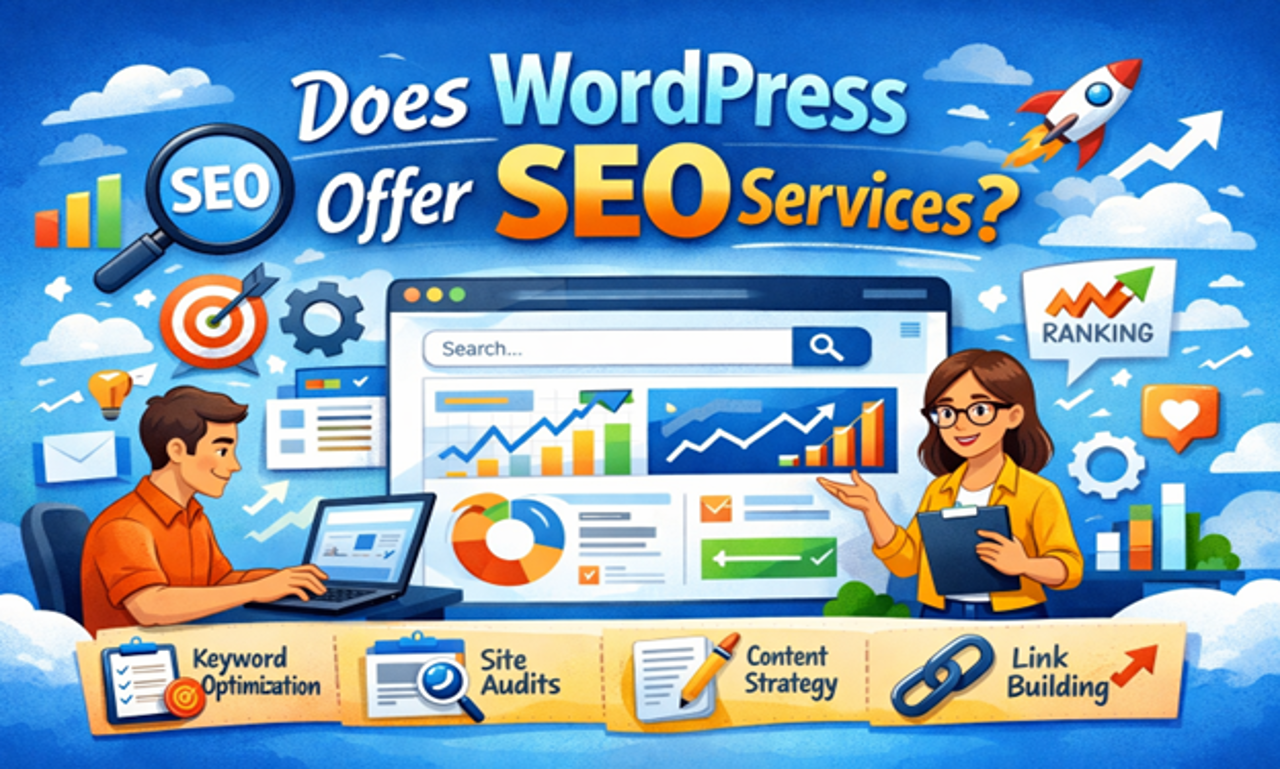
However, there is a common misunderstanding. WordPress does not directly provide SEO services, but it offers powerful tools and features that make it easier to optimize your website for search engines.
In this article, we will explain how WordPress supports SEO, what tools are available, and whether you still need professional SEO services.
Utilizing various seo services can further streamline the optimization process.
In addition, understanding how to leverage SEO services can significantly impact your site’s visibility and performance, especially when you consider the importance of professional seo services.
What Is WordPress?
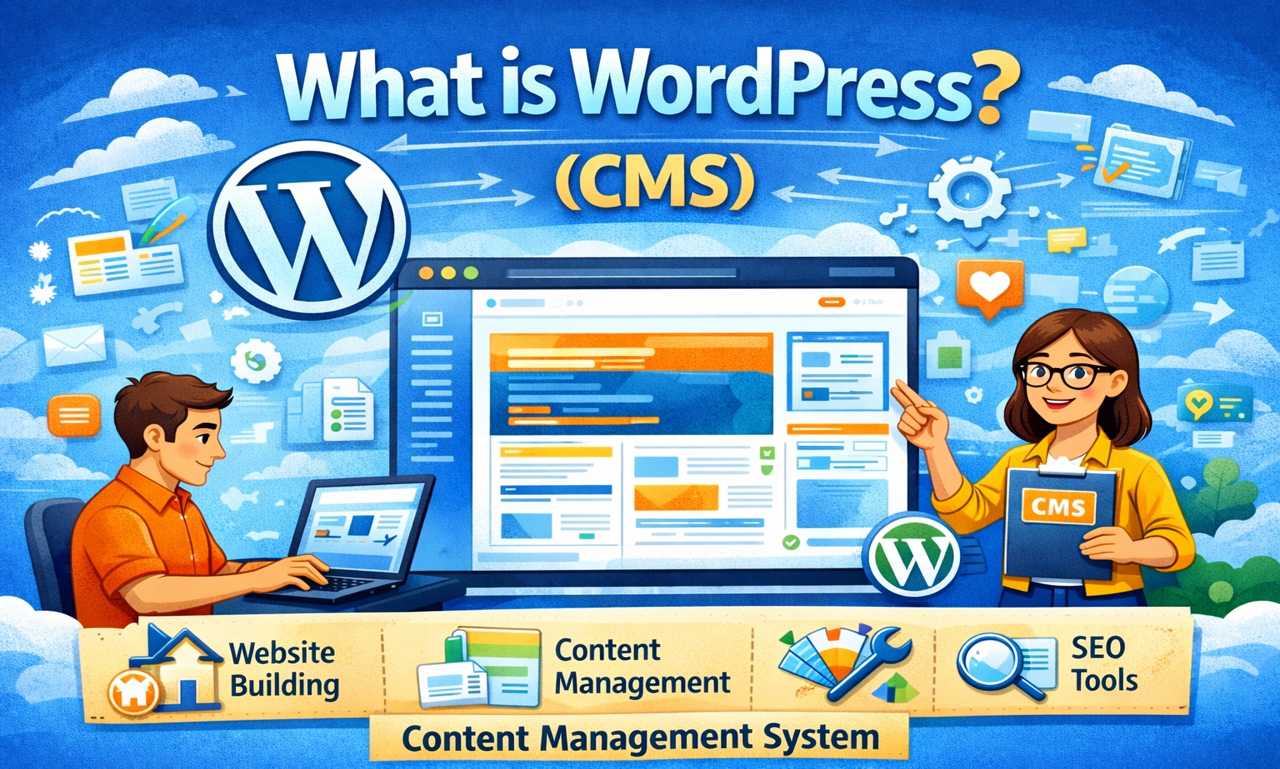
WordPress is a content management system (CMS) that allows users to create and manage websites without advanced coding knowledge.
It is used for many types of websites such as:
- Blogs
- Business websites
- E-commerce stores
- Portfolio websites
- News platforms
One of the main reasons WordPress is so popular is its strong SEO capabilities.
Does WordPress Provide SEO Services?
The simple answer is No.
WordPress does not offer direct SEO services like keyword research, backlink building, or SEO audits. These services are usually provided by SEO agencies or SEO professionals.
However, WordPress provides the tools and flexibility needed to perform SEO effectively.
WordPress helps you:
- Create SEO-friendly URLs
- Add meta titles and descriptions
- Optimize images
- Improve website structure
- Install powerful SEO plugins
Because of these features, many SEO professionals prefer WordPress over other platforms.
SEO Features Built Into WordPress
WordPress includes several built-in features that support search engine optimization.
SEO-Friendly URL Structure
WordPress allows you to create clean and readable URLs.
Example:
Bad URL
example.com/?p=123
SEO-Friendly URL
example.com/wordpress-seo-services
Search engines prefer clear and descriptive URLs because they help understand the page content.
Easy Content Management
Search engines love high-quality and regularly updated content.
WordPress makes content publishing easy through its built-in editor, allowing you to:
- Create blog posts
- Add headings (H1, H2, H3)
- Insert images and videos
- Update articles anytime
Regular content updates improve your chances of ranking higher in search results.
Fast Loading Speed
Website speed is an important ranking factor.
WordPress supports many performance optimization tools such as:
- Caching plugins
- Image optimization plugins
- Content delivery networks (CDN)
These tools help improve page loading speed and overall user experience.
Mobile-Friendly Themes
Most modern WordPress themes are mobile responsive, which means your website automatically adjusts to different screen sizes.
Since search engines like Google Search Console and Google prioritize mobile-friendly websites, this feature helps improve rankings.
Popular SEO Plugins for WordPress
One of the biggest advantages of WordPress is its powerful SEO plugin ecosystem.Some of the most popular plugins include:
Rank Math
Rank Math is a powerful SEO plugin that helps optimize your website with features such as:
- SEO score analysis
- Schema markup
- Keyword optimization
- Sitemap generation
Yoast SEO
Yoast SEO is one of the oldest and most trusted SEO plugins. It helps with:
- Meta title and description optimization
- Content readability analysis
- XML sitemaps
- Breadcrumb navigation
All in One SEO
This plugin offers advanced SEO features including:
- SEO audit tools
- Social media integration
- Local SEO optimization
- Schema markup support
These plugins make it easier for beginners to manage their website SEO without deep technical knowledge.
Do You Still Need Professional SEO Services?
Even though WordPress provides many SEO tools, professional SEO services are often still necessary.
SEO involves more than just installing plugins. It requires strategic planning and continuous optimization.
Professional SEO services usually include:
- Keyword research
- Competitor analysis
- Technical SEO optimization
- Content strategy
- Backlink building
- Website audits
Without these activities, it can be difficult to compete in highly competitive search results.
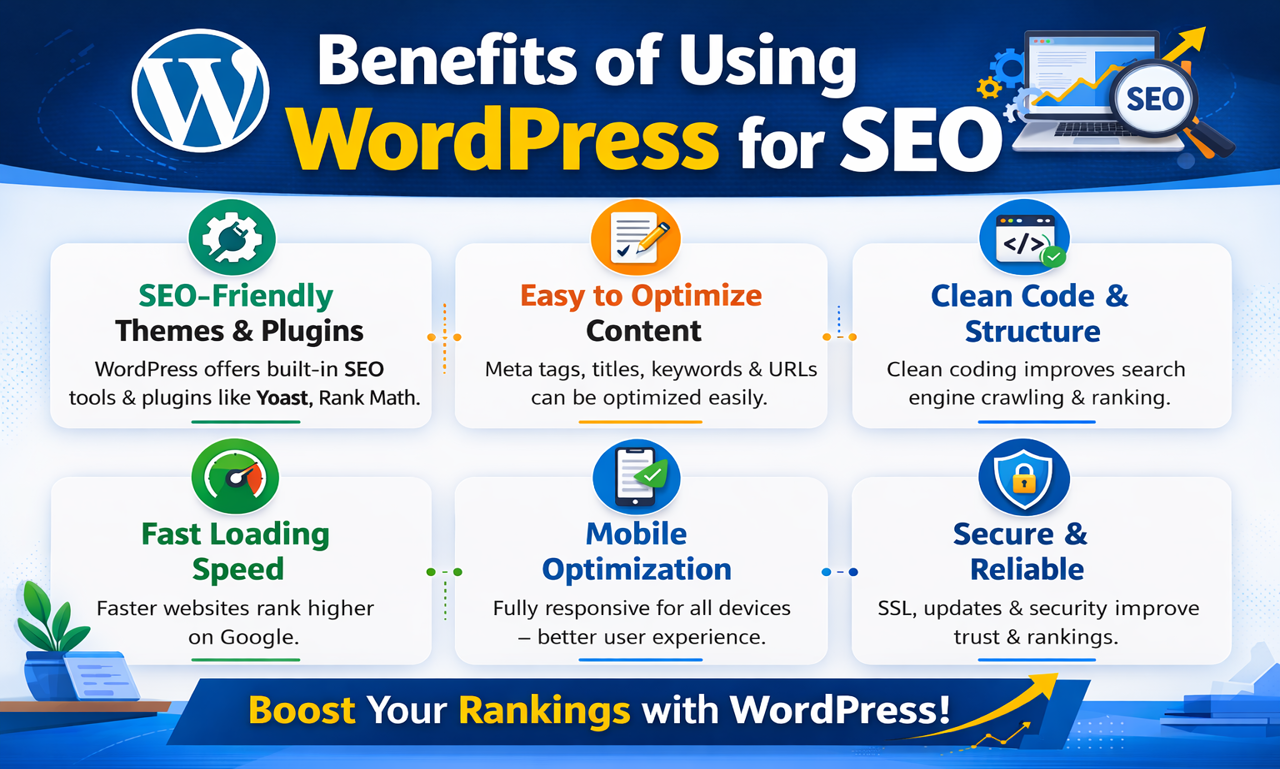
Benefits of Using WordPress for SEO
Common SEO Mistakes WordPress Users Make
Many website owners use WordPress because it is SEO-friendly. However, beginners often make several mistakes that prevent their sites from ranking well on search engines. Here are some common SEO mistakes WordPress users make and how to avoid them.
1. Ignoring SEO Plugins
Many users do not install SEO plugins such as Yoast SEO or Rank Math.
These tools help optimize meta titles, descriptions, sitemaps, and keywords.
Why it’s a problem:
Without proper SEO settings, search engines may struggle to understand your content.
Solution:
Install an SEO plugin and configure titles, meta descriptions, and XML sitemaps.
2. Not Optimizing Titles and Meta Descriptions
Some WordPress users publish articles without optimized titles and meta descriptions.
Why it’s a problem:
Search engines rely on these elements to understand the topic of your page.
Solution:
Include your main keyword in the title and write a clear, engaging meta description.
3. Using the Same Keyword on Multiple Pages
4. Slow Website Speed
Website speed is a major ranking factor. Many WordPress websites load slowly due to heavy themes or unoptimized images.
Why it’s a problem:
Slow websites increase bounce rates and reduce rankings.
Solution:
- Compress images
- Use caching plugins
- Choose a fast hosting provider
5. Ignoring Mobile Optimization
A website that is not mobile-friendly will struggle to rank.
Why it’s a problem:
Search engines prioritize mobile-first indexing.
Solution:
Use responsive WordPress themes that work well on all devices.
6. Poor Internal Linking
Some users publish content without linking to other relevant pages on their site.
Why it’s a problem:
Internal links help search engines crawl your website and improve user navigation.
Solution:
Link related articles and important pages within your content.
7. Not Optimizing Images
Images without proper alt text and compression can harm SEO.
Why it’s a problem:
Search engines cannot understand images without descriptions.
Solution:
Add descriptive alt text and compress images to reduce file size.
8. Ignoring Technical SEO
Technical issues like broken links, missing sitemaps, and indexing problems can hurt rankings.
Solution:
- Submit your sitemap to Google Search Console
- Regularly check for crawl errors
- Fix broken links
While WordPress is an SEO-friendly platform, mistakes such as poor keyword usage, slow speed, and lack of optimization can affect rankings. By avoiding these common SEO mistakes and using the right tools, WordPress users can significantly improve their website’s visibility and performance.
Final Thaughts
WordPress does not directly offer SEO services, but it provides one of the most powerful platforms for implementing SEO strategies.
With its built-in features, flexible structure, and powerful plugins like Rank Math and Yoast SEO, WordPress allows website owners to optimize their websites effectively.
However, achieving strong search engine rankings usually requires additional efforts such as keyword research, content creation, and backlink building. For this reason, many businesses still choose to work with professional SEO experts or agencies.
When used correctly, WordPress can become a powerful foundation for long-term SEO success.
Frequently Asked Questions (FAQs)
WordPress itself does not provide full SEO services, but it offers built-in SEO-friendly features like clean code, customizable URLs, and easy content management that support optimization.
Yes, you can perform basic SEO without plugins by optimizing content, using proper headings, and creating SEO-friendly URLs. However, plugins make the process easier and more advanced.
Popular SEO plugins include Yoast SEO, Rank Math, and All in One SEO. These tools help optimize content, meta tags, XML sitemaps, and more.
Yes, WordPress is beginner-friendly and widely used for SEO. Its dashboard, themes, and plugins make it easy for beginners to start optimizing their websites.
No, WordPress does not automatically rank your website. You need proper SEO strategies like keyword optimization, backlinks, and high-quality content.
Key features include customizable permalinks, mobile-responsive themes, SEO plugins, fast loading options, and easy content updates.
No, coding skills are not required. Most SEO tasks can be done using plugins and simple settings in the dashboard.
WordPress is considered one of the best CMS platforms for SEO due to its flexibility, plugin ecosystem, and user-friendly interface.
Yes, WordPress can handle technical SEO tasks like sitemaps, schema markup, and page speed optimization with the help of plugins.
WordPress is free, and many SEO tools are also free. However, premium plugins and services can enhance your SEO performance.