In the digital age, website optimization performance has been something that has gained importance over the digital era. One of the most critical factors for ensuring a good level of user experience from such an app is speed. Slow load times can hurt your conversions, and if you run an e-commerce store, a blog, or any online business, slow website speed could be killing your business revenue. In this blog, our main focus will be on website optimization service, and also a complete guide for you to boost your website speed performance with different procedures.
Improving the speed of your WordPress website is not just for your users; it will also help with Search Engine ranking (SEO). Page speed is a component that Google applies in ranking factors, where faster-loading websites are frequently rewarded with a higher rank on search results. So with that in consideration, I have decided to go through the most helpful resources and mechanisms you can use for speeding up your WordPress Website.
1. Why Website Speed Matters
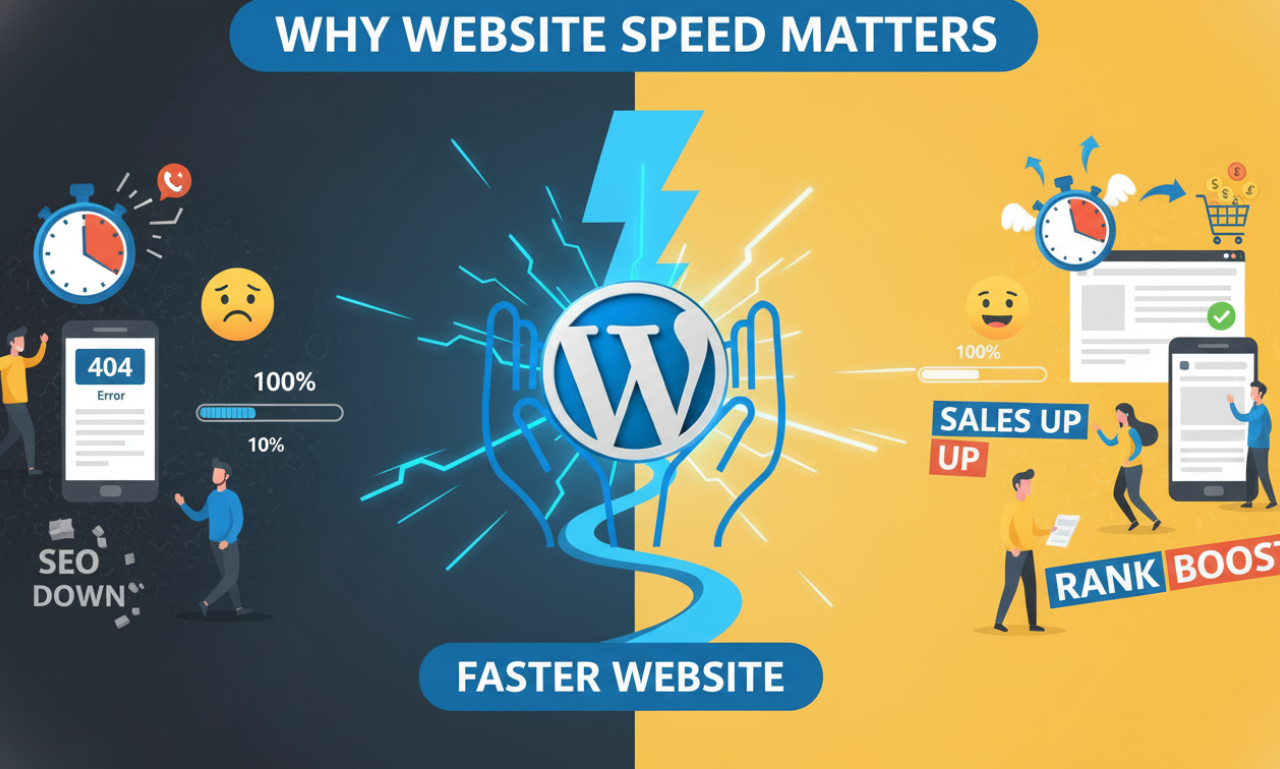
Website speed is critical for several reasons:
- User Experience: Fast websites offer a better user experience. If your site takes more than a few seconds to load, users are likely to leave and go elsewhere. According to studies, 53% of mobile site visitors will leave a page that takes longer than 3 seconds to load.
- SEO: Google considers page speed a ranking factor. A slow website can negatively impact your organic rankings, making it more difficult for potential visitors to find you through search engines.
- Conversion Rates: Faster websites have higher conversion rates. Whether you’re selling products, services, or gathering leads, faster load times lead to higher engagement and more conversions.
- Lower Bounce Rates: If your website loads quickly, visitors are more likely to stay longer, decreasing your bounce rate, which is another factor that search engines consider.
Optimizing your WordPress website for speed ensures that users stay engaged, boosts your SEO rankings, and increases your conversions. Below, we’ll explore different techniques to achieve optimal speed.
2. WordPress Caching Plugins
One of the most effective ways to improve your website’s speed is through caching. WordPress caching plugins generate static HTML files of your site, which eliminates the need for database queries every time a user visits a page. This dramatically reduces load times.
Benefits of Caching:
- Reduces server load
- Improves page speed
- Boosts SEO rankings
Best WordPress Caching Plugins:
- W3 Total Cache: A popular plugin that offers advanced caching mechanisms like page caching, browser caching, and database caching.
- WP Super Cache: Developed by Automattic, this plugin is user-friendly and delivers cached HTML files, speeding up page load times significantly.
- WP Rocket: A premium caching plugin that combines several website optimization techniques in one package, including lazy loading and database optimization.
Make sure to configure your caching plugin properly to ensure you’re getting the full benefits of its performance-boosting features.
3. Minify CSS and JavaScript in WordPress
CSS and JavaScript files are essential for your website’s functionality and design, but they can often become bloated and slow down your website. Minifying CSS and JavaScript involves removing unnecessary characters such as white spaces, comments, and line breaks from the code, which reduces file size and improves load times.
Why Minify CSS and JavaScript?
- Smaller file sizes mean faster loading times.
- Reducing HTTP requests boosts page speed.
- Minified files load more quickly on mobile devices.
How to Minify CSS and JavaScript:
- Autoptimize: This plugin helps to minify and aggregate CSS, JS, and HTML files for faster loading.
- W3 Total Cache: Besides caching, this plugin also offers minification features for CSS and JavaScript.
- WP Rocket: It also offers minification as part of its all-in-one website optimization package.
Always test your website after minifying CSS and JavaScript to ensure that the functionality and layout remain intact.
4. Image Website Optimization for WordPress
Images are often the largest files on a webpage, and if not optimized, they can drastically affect your website’s performance. Proper image Website Optimization for WordPress reduces file size without sacrificing quality, ensuring faster page load times.
Image Website Optimization Techniques:
- Compress Images: Use tools like TinyPNG or ShortPixel to reduce image file sizes without losing quality.
- Use Correct Image Formats: Use WebP instead of JPEG or PNG, as it offers better compression and faster loading times.
- Responsive Images: Ensure that images are properly sized for different devices to avoid slow loading on mobile.
Plugins for Image Website Optimization :
- Smush: Automatically compresses and optimizes images without loss in quality.
- ShortPixel: Offers advanced compression options, including Web conversion.
- Imagify: Another excellent image optimizer that supports a bulk website optimization service.
By reducing image file sizes, you can significantly improve your site’s speed and overall performance.
5. Content Delivery Network (CDN) for WordPress
A Content Delivery Network (CDN) distributes your website’s static content, such as images, CSS, and JavaScript, across a network of servers located worldwide. When a user visits your website, the content is served from the nearest server, reducing latency and improving load times.
Benefits of Using a CDN:
- Faster load times for users in different geographic locations.
- Reduced server load.
- Enhanced website security by mitigating DDoS attacks.
Best CDN Providers for WordPress:
- Cloudflare: Offers a free plan with CDN services, including caching and security features.
- MaxCDN (StackPath): A premium CDN service known for fast delivery and robust security.
- KeyCDN: A low-cost CDN service that integrates well with WordPress.
To integrate a CDN with your WordPress site, you can use plugins like W3 Total Cache or WP Rocket, which make it easy to configure CDN settings.
6. Lazy Loading in WordPress
Lazy loading delays the loading of images and videos until they are about to enter the viewport. This technique significantly reduces initial page load times by loading only the visible content first and deferring the rest.
Advantages of Lazy Loading:
- Reduces initial load times by only loading visible content.
- Improves performance on image-heavy pages.
- Saves bandwidth for users who don’t scroll down the page.
Plugins for Lazy Loading:
- Lazy Load by WP Rocket: A simple yet powerful plugin that adds lazy loading to your website.
- Smush: Not only does Smush compress images, but it also includes lazy loading features.
- a3 Lazy Load: Another excellent plugin for adding lazy loading to images, videos, and iframes.
Implementing lazy loading is especially beneficial for websites with a lot of media content, as it allows the visible part of your website to load quickly.
7. GZIP Compression for WordPress
GZIP compression reduces the size of your website’s files (HTML, CSS, JavaScript) by compressing them before they are sent to the browser. This leads to faster download speeds and improved overall performance.
Why Use GZIP Compression:
- Reduces file sizes by up to 70%.
- Improves server response times.
- Speeds up page load times, especially for users on slower connections.
How to Enable GZIP Compression:
- Use a Caching Plugin: Most caching plugins, such as W3 Total Cache and WP Rocket, include an option to enable GZIP compression.
- Modify .htaccess File: You can manually enable GZIP by adding the relevant code to your .htaccess file, though this requires some technical knowledge.
With GZIP compression, your website will serve smaller file sizes to visitors, resulting in faster page loads.
8. Reduce Server Response Time in WordPress
Server response time is the amount of time it takes for a server to respond to a browser’s request. The goal is to reduce this time to under 200ms, as recommended by Google. Several factors can affect server response time, including your hosting provider, database queries, and plugin performance.
How to Reduce Server Response Time:
- Use a reliable hosting provider: Investing in quality hosting can drastically improve server response times.
- Optimize your database: A Regular database web optimization service can reduce load times and improve server response.
- Minimize plugins: Deactivate and delete any unnecessary plugins to reduce the load on your server.
Reducing server response time is crucial for improving overall page load speeds and ensuring a smooth user experience.
9. Database WordPress Optimization in WordPress
Over time, your WordPress database accumulates data that you no longer need, such as post revisions, spam comments, and transient options. Website optimization involves cleaning up this unnecessary data to improve performance.
Benefits of Database Website Optimization:
- Faster query times, leading to quicker page loads.
- Reduced database size, which decreases backup times.
- Improved overall website performance.
Plugins for Database Website Optimization:
- WP-Optimize: An all-in-one plugin for database cleanup and Website optimization.
- Advanced Database Cleaner: Offers scheduled cleanups for database and Website speed optimization.
- WP-Sweep: Cleans up post revisions, auto drafts, and other unnecessary data.
Regularly optimizing your database ensures that it runs efficiently, helping to speed up your WordPress website.
10. Web Hosting for WordPress Performance
Choosing the right web hosting is crucial for WordPress optimization. A good hosting provider ensures that your website loads quickly and performs well under traffic.
Key Features to Look for in a Hosting Provider:
- Fast Server Response Time: Choose a provider that offers low latency and fast response times.
- Scalability: Ensure the hosting provider can handle traffic spikes without affecting Website optimization performance.
- Optimized for WordPress: Some hosting providers offer WordPress-specific plans optimized for speed and security.
Recommended Hosting Providers:
- SiteGround: Known for excellent customer service and WordPress Website optimization.
- WP Engine: A premium hosting service specifically for WordPress, offering speed-boosting features like caching and CDN integration.
- Bluehost: Offers affordable plans with good performance and reliability for WordPress sites.
A good web hosting provider is the foundation of a fast website, so it’s worth investing in quality hosting.
11. Mobile Performance Website Optimization in WordPress
With more than half of all web traffic coming from mobile devices, optimizing for mobile performance is essential. A fast-loading mobile site not only improves user experience but also boosts your SEO rankings.
How to Optimize for Mobile:
- Use a responsive theme: Make sure your WordPress theme is mobile-responsive and adapts to different screen sizes.
- Lazy load images: Reduce the amount of data being loaded by lazy loading images and videos.
- Minify CSS and JavaScript: Minifying files reduces the size of your site, which is especially important for mobile users on slower connections.
Additionally, use Google’s Mobile-Friendly Test to ensure your website is fully optimized for mobile users.
12. Other Web Speed Optimization Tips for WordPress
Here are some additional tips to help you optimize your WordPress site’s speed:
- Limit External Scripts: External scripts, such as third-party widgets and ads, can slow down your site. Use only essential scripts and keep them to a minimum.
- Limit Post Revisions: Too many post revisions can clutter your database. Use a plugin like WP-Optimize to limit the number of stored revisions.
- Disable Pingbacks and Trackbacks: These features notify you when other blogs link to your site, but can lead to unnecessary server requests.
Final Thoughts on WordPress Speed Optimization
Website optimization is not a one-time task but an ongoing process. By using the right plugins, tools, and techniques, you can significantly improve your website’s speed, enhance the user experience, and boost your SEO rankings. From caching and image Website optimization to mobile performance and database Website optimization, these strategies will help ensure your WordPress site runs as fast as possible.
Implementing these best practices will not only make your site faster but will also set you up for long-term success in both user engagement and search engine rankings. Make speed Website optimization a priority, and watch your website’s performance soar.
Thanks for reading our article.
Developer at WPCarePoint
Booking for 30m Free Consultation on Google Meet: Click here for an appointment today.
contact@wpcarepoint.co.uk
www.wpcarepoint.com