What is WordPress? &
WordPress Complete Guide by WP Care Point:
WordPress consists of many different platforms for building websites and has gained a lot of popularity across the globe. Whether you’re an entrepreneur, blogger, small business owner or run an eCommerce store, WordPress allows everyone to have a website created easily with no experience required in computer coding. As reported in the latest statistics, WordPress is responsible for powering 43% of all the websites located on the internet, and is thus the most used content management system in existence.
If someone wants to learn more about WordPress, then here is where you can find the answer to this question: The following sections will provide information about what WordPress is (the features offered, pros and cons), how it works, and an overview of using it to make a website. This will help you understand how to use WordPress as a site-building tool regardless of your experience level. You will also learn about the history of WordPress and the community around it; and you will discover where you can find the tools to make your own WordPress-based website.
A lot has changed for both WordPress and web development as a whole since the introduction of WordPress. In the past decade, WordPress has gone from being primarily a blogging platform to being a total website solution that is capable of hosting portfolios, business websites, online stores, news publications, and complex web applications. The reason that it is open source, has so many themes and plug-ins available, and has such a simple user interface makes WordPress the best choice for anyone wanting to establish an online presence.
If you want to learn how to create a good-looking and functional website using WordPress, we provide all the necessary tools and assistance to get started on your new site.
After following all of the sections in this guide, you will have a clear understanding of what WordPress does and how to use it to create your own website or business.
Discover what WordPress is, its features and its benefits?
In its simplest form, WordPress serves as a cost-free and open-source Content Management System (CMS), enabling you to build and manage a website without the need for advanced coding skills. A CMS is an application that has a selection of different tools you can use to create, modify, and organize website content in an organized manner. All your website’s content – blog posts, pages, logins, and settings is stored in a MySQL database using PHP (the programming language that WordPress is created in).
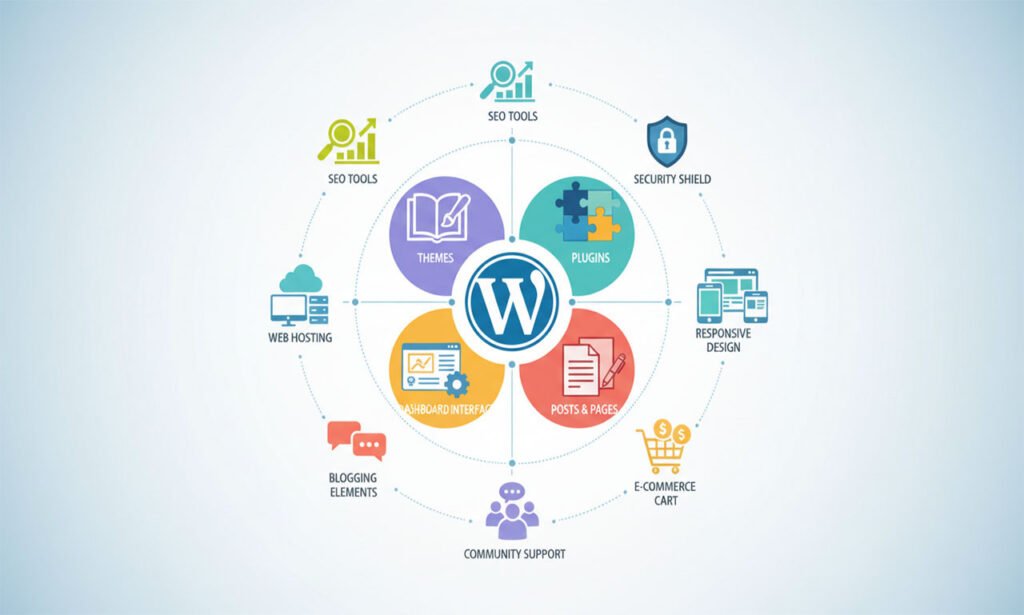
Originally, WordPress was built to provide users with a place to create blogs; however, it has developed into a complete solution for building websites. The reason that WordPress can be used in so many different ways is due to the thousands of themes and plugins available for WordPress. Themes fundamentally modify the looks of your website; in contrast, plugins provide additional functionality to your website. Using a combination of themes and plugins, your WordPress website can be transformed into a blog, business site, e-commerce site, portfolio, or even a membership site.
Major Features of WordPress
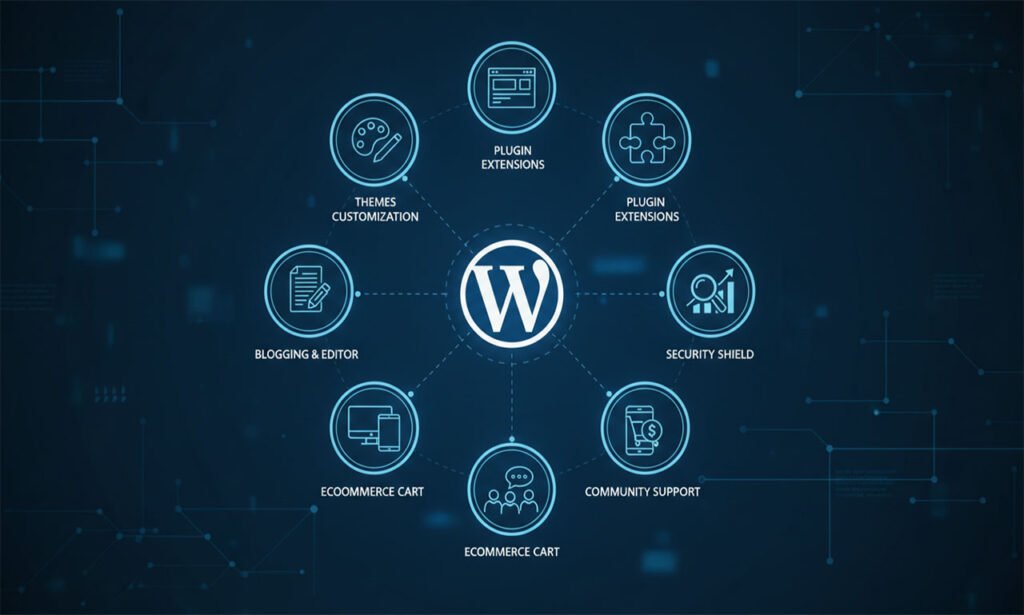
- Easy to use: The user dashboard of WordPress is very simple and easy to use, even for beginners. You’ll be able to publish your post, manage media, and create new pages with ease.
- Themes and Templates: You can choose from 1000s of free and premium WordPress themes to create a professional looking website. You do not need to use HTML/CSS coding skills to build a great looking website.
- Plugins: WordPress plugins provide users with extra functionality, such as SEO, security, contact forms, eCommerce, and social media integration, etc.
- SEO Friendly: WordPress is coded cleanly and provides many built-in options to improve SEO. Plugins like Yoast SEO and Rank Math make optimizing your website even simpler.
- Mobile Responsive: Most of the WordPress themes are mobile friendly, so your website will operate on every device.
- Community: WordPress has a large community of developers, designers, and users worldwide that can help with user support, tutorials, and forums.
- Scalable: WordPress is designed to grow along your website. You’ll start with a simple blog and later grow it into an eCommerce website or a corporate website!
Why is WordPress so popular?
WordPress powers millions of websites, from small personal blogs to large enterprise websites. Its popularity stems from the following advantages:
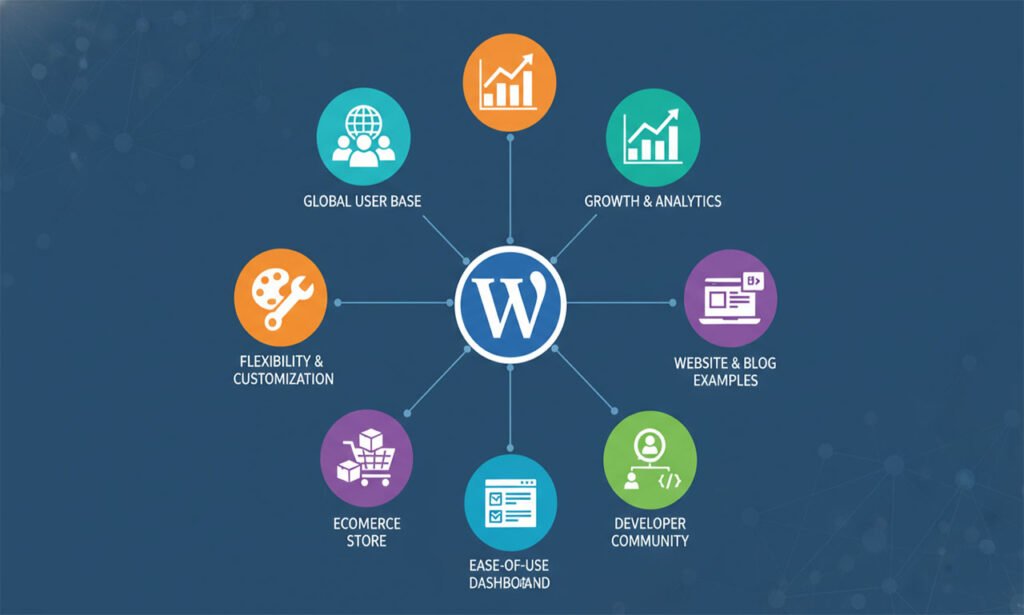
- Open Source and Free: Anyone can use, modify, or distribute WordPress without licensing fees.
- Flexible and Customizable: Build almost any type of website using themes and plugins.
- Strong Security: With proper maintenance and security plugins, WordPress sites are highly secure.
- SEO Optimization: WordPress provides clean code, fast performance, and SEO plugins that help sites rank higher on Google.
- Large Community and Resources: Tutorials, documentation, forums, and experts are available worldwide.
History of WordPress
WordPress was first released in 2003 by Matt Mullenweg and Mike Little as a fork of an earlier project called b2/cafelog. Their goal was to create a more user-friendly blogging platform that anyone could use to publish content online.
Since its launch, WordPress has gone through continuous updates and improvements. Its evolution can be summarized in a few key milestones:
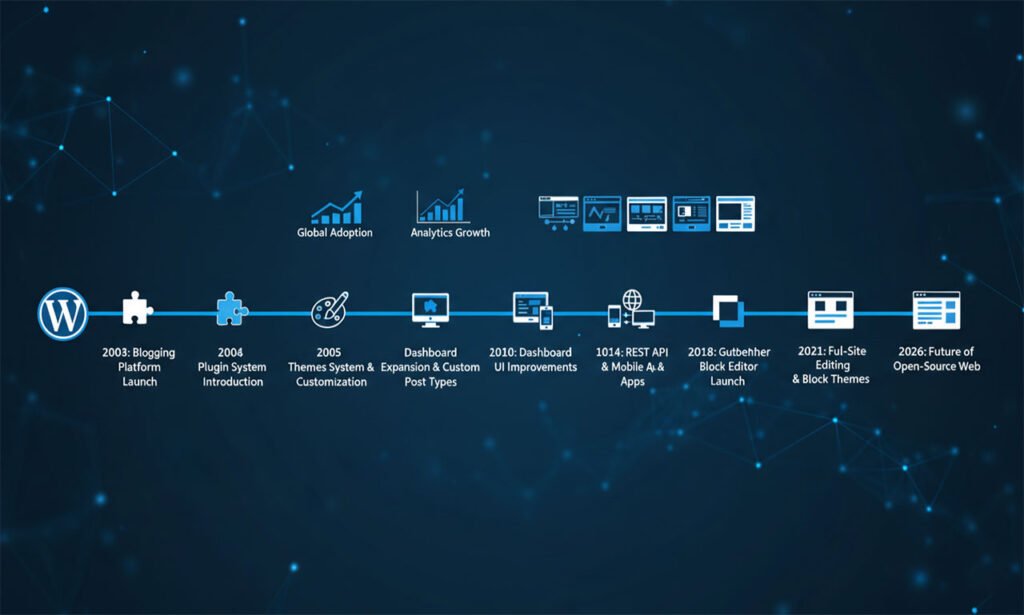
- 2003: WordPress 0.7 released – basic blogging software.
- 2004: Introduction of Plugins – allowed additional functionality without touching core code.
- 2005: Introduction of Themes – enabled easy customization of website appearance.
- 2008: Version 2.5+ – major dashboard improvements and user interface upgrades.
- 2010–2015: Growth of community, themes, and plugins. WordPress becomes a full CMS for business websites, not just blogs.
- 2018: Introduction of Gutenberg Editor – block-based editor for easy page building and rich content creation.
Today, WordPress powers over 43% of websites globally, including some major brands and news outlets. Its continuous updates, community contributions, and commitment to open-source principles make it a reliable and future-proof platform for websites of all types.
WordPress’s history also reflects its flexibility and adaptability, allowing it to evolve from a simple blogging platform to a robust CMS capable of handling complex websites, online stores, and web applications. This rich history contributes to its credibility and trust among users and developers worldwide.
How does WordPress work?
WordPress is much more than just software you download and install. To get a fully functional website, you need WordPress software, a domain, and web hosting. These three components work together to bring your website online. The WordPress software provides the tools to create content and manage your website. The domain acts as your site’s address on the internet, while web hosting provides the server space to store your files and make them accessible online.
WordPress Software + Web Hosting + Domain
- WordPress Software: This is the core of your website. It is open-source, which means it is free to use and constantly improved by a large community of developers. The software handles all the essential functions like content management, user management, and security protocols.
- Domain Name: A domain name is the Internet address that visitors will use to navigate to your website. Choosing an appropriate domain name is crucial for branding purposes and SEO. As a general guideline, you want your domain name to be easily recognizable by visitors, reflect your business or company, and if applicable your domain name should also contain a relevant keyword.
- Web Hosting: Hosting provides the server space where your WordPress files reside. Good hosting ensures your website loads fast, remains secure, and can handle traffic spikes. Hosting providers often offer one-click WordPress installations, making setup simpler for beginners. Popular hosting options include SiteGround, Bluehost, and WP Engine.
Dashboard Overview
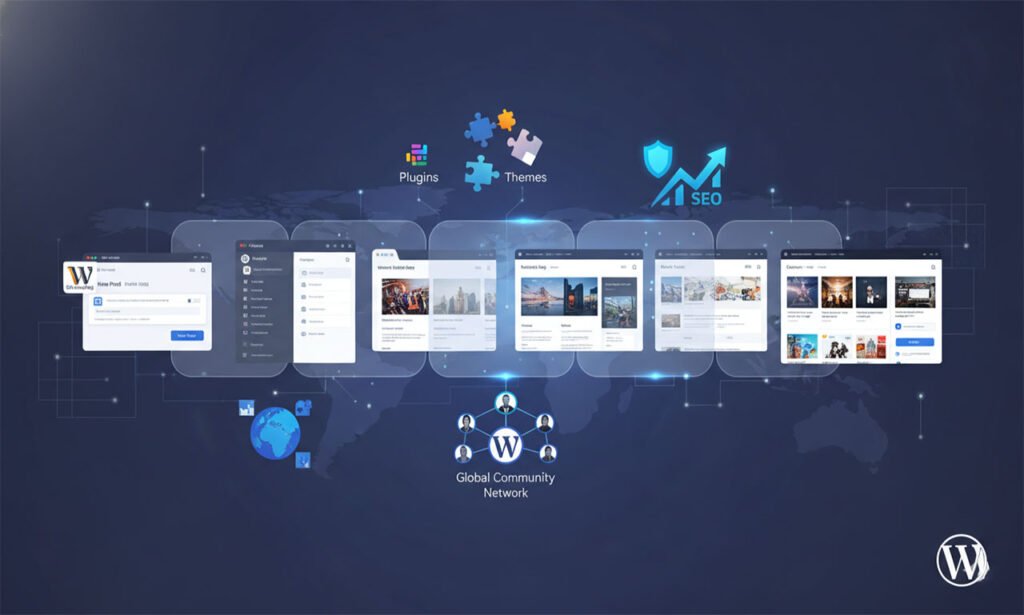
Once installed, WordPress provides a dashboard – a user-friendly interface that allows you to manage your entire website. From the dashboard, you can:
- Create and edit pages and posts.
- Upload and manage media files like images and videos.
- Install and configure themes and plugins.
- Monitor comments and engage with your audience.
- Check site analytics and performance metrics.
The dashboard is intuitive and allows even beginners to navigate the platform without needing technical expertise. Advanced users can also use the dashboard to manage custom code, security settings, and SEO tools.
Content Creation: Posts and Pages
WordPress separates content into posts and pages:
- Posts: These are typically blog entries that appear in reverse chronological order. Posts are ideal for sharing news, articles, or updates. They can be categorized and tagged, helping search engines understand your content structure.
- Pages: These are static sections of your website, such as Home, About, Services, or Contact pages. Unlike posts, pages are not time-sensitive and are used for content that remains relevant over time.
Creating content is simple with the Gutenberg block editor, which allows you to add headings, text, images, videos, and interactive elements easily. This block system ensures that your content is flexible and visually appealing without coding.
Plugins and Themes Integration
Plugins and themes are what make WordPress highly flexible.
- Themes are what shape how your site looks and feels. You have the ability to select from hundreds of free and paid themes in order to achieve your desired look. The theme also determines the colour scheme, font style, header layout and overall design style of your website.
- Plugins add functionality. For example, WooCommerce turns your site into an online store, while Yoast SEO helps optimize content for search engines. Security plugins like Wordfence protect against malware, while caching plugins improve site speed.
Together, themes and plugins enable you to build almost any type of website, whether it’s a personal blog, a corporate site, or a fully functional eCommerce store.
Essential Features of WordPress (Summary for SEO)
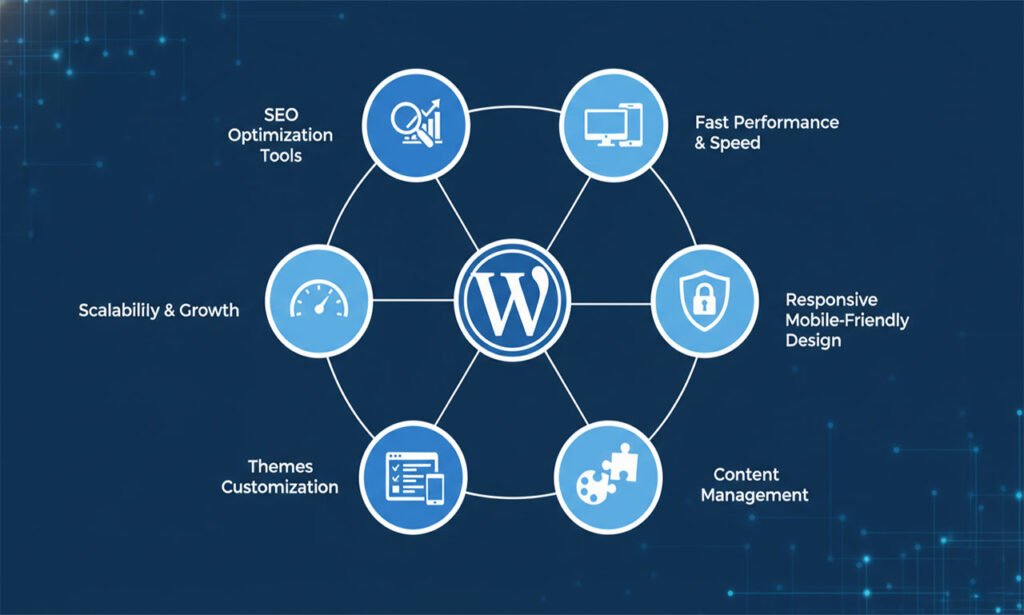
- Themes: An extensive number of free and premium theme designs are available to customize the website’s appearance.
- Plugins: Extend the capabilities of the website easily without needing any code.
- Search Engine Optimization (SEO): WordPress makes it simple to optimize both your content and website structure, allowing you to improve search engine rankings.
- Responsive layout: WordPress will work perfectly on all mobile devices.
- Open Source: WordPress is completely free to use and is being developed by a large global community of developers.
- Scalability: WordPress can be used to create any type of website; blogs, business/websites and eCommerce sites.
- Security: You’ll have the benefit of having a secure website with frequent updates and many different security plugins.
Why should beginners use WordPress?
WordPress is a great platform to use if you’re new to website design, but it might be hard for you to know how to get started. This guide will provide you with step-by-step directions for setting up your first WordPress site.
Step 1: Choose a Domain Name & Hosting Company
You need to find a good web host that provides one-click installation of WordPress. Choosing a domain name that represents your company well is essential. Most hosts provide this service at no cost.
Step 2: Installation of WordPress
Most hosts include an automated installation tool to help you install WordPress. Once installed, you will have access to the WordPress dashboard where you can start building your website.
Step 3: Choose The Right Theme
Choosing a theme can be challenging for beginners. Choose a theme that matches your business’s message.
You can choose from free themes available directly from WordPress (through the WordPress repository), or purchase a premium theme from a third-party site. Many premium themes offer additional options for customization and customer support.
To make changes to a theme, you may use the WordPress Customizer which allows you to change colors, fonts, header position and much more.
Step 4: Install Important Plugins
Plugins add to the capabilities of your website. As a beginner, there are some important plugins you should install.
- SEO Plugins: There are two common SEO plugins that can optimize your content: Yoast SEO and Rank Math.
- Security Plugins: To protect your website from malicious attacks your security plugins are Wordfence and Sucuri.
- Performance Plugins: In order to boost your website speed, you can improve performance using a plugin such as W3 Total Cache or WP Rocket.
- Backup Plugins: You want to make sure you have a backup of your data in case something goes wrong, UpdraftPlus can be utilized to create regular scheduled backups.
When you have installed the correct plugins your website will be both safe, optimally functioning and ready to grow.
Step 5: Produce Content
You should first produce your important pages such as home, about, services and contact. Once those pages have been set up you want to add blog posts to keep your audience up to date or provide educational material. You can format your text and create engaging content using the Gutenberg Block Editor to add images, videos, and CTAs. Remember to optimize all your content for SEO by utilizing headings, keywords, and meta descriptions.
Step 6: Customize Your Site and Go Live
Once you have created all your pages and blog posts, customize your menus, widget areas, and homepage layout. You want to test your website to see how it looks on various types of devices to ensure it is fully responsive. Once you have previewed everything you can Publish your website and start marketing it using social media, email newsletters, and other channels.
Which One to Pick in 2026?
Comparing WordPress with Other CMS Systems!
When developing a website, selecting a proper Content Management System (CMS) can be overwhelming. WordPress is the largest CMS platform on the market, creating more than 40% of the websites on the web today. There are many other CMS platforms out there too – including Joomla, Drupal, Wix, and Squarespace – with strong and weak points as well. Understanding how to compare WordPress against other CMS systems enables you to get the best CMS system possible based on your desired goals, technical knowledge/skills, and usable budget.
1. Ease of Use
When it comes to ease of use, WordPress is well known for its ease of use. You should be able to build and maintain a website without any coding skills even if you’re starting out as an inexperienced user. WordPress’s dashboard is easy to use, and there are thousands of tutorials and guidebooks to help you learn. While other Content Management Systems (CMS) such as Drupal and Joomla are more technically robust than WordPress, they present a different challenge than WordPress because they require significantly more technical skill to learn. In addition, while some website builders such as Wix and Squarespace have many features, they simply do not provide as much flexibility and customizability as WordPress.
2. Customization and Flexibility
WordPress is also an outstanding example of a web-based content management system in large part due to the sheer number of plugins and themes that can be added to it. You can increase the capabilities of your WordPress website through SEO and security plugins, eCommerce functionality, and many other tools. Joomla and Drupal provide many of the same functionalities through plugins and extensions but generally require a higher level of technical skill to implement. In contrast, some website builders such as Wix and Squarespace do allow you to use drag-and-drop capabilities, but they usually do not provide as many advanced features as WordPress.
3. SEO Functionality
WordPress is also one of the best CMS systems in terms of SEO (Search Engine Optimization), especially when you combine it with SEO plugins like Yoast SEO and RankMath. It allows you full control of your website by giving you the ability to change your Meta Titles, Meta Descriptions, Meta URLs, and website structure. While other CMS platforms have SEO functionality, WordPress continues to be the best option for a business or blog looking for maximum visibility in search engines.
4. Community and Support
WordPress offers its users a rich global community with hundreds of thousands of resources via forums/communities/WordPress.com websites as well as thousands of classes, video tutorials, written manuals & more to help them troubleshoot, learn and enhance their skills or knowledge compared to any of the other Content Management Systems available. Drupal and Joomla also have strong but smaller communities built around them, and while they offer additional forms of customer service, there are limitations on how far you can go outside of the system with respect to customer support if using Squarespace or Wix (which is an example of a proprietary website builder).
5. Cost and Scalability
WordPress is free to use at its core (however, you will need to purchase premium themes, plugins, or pay for hosting), and it can grow from a basic blog site to an entire enterprise eCommerce site. With other Content Management System options, you will most likely incur additional expenses due to having to bring in a developer if you want to customize anything beyond the basic functionality. Another note is that website builders typically work on some type of subscription basis which includes limits on the total amount of data or growth that a builder will allow.
WordPress is the best choice if you are looking for something that combines ease-of-use, flexibility, SEO ability and strong community support unlike any other CMS. However, should you have more specific technical or design needs, other CMS’s may be a better fit; however, as we head into 2026, WordPress is still the go-to solution by far, both for beginning users ( bloggers ) and for smaller businesses, larger businesses as well as enterprise websites.
If you’re interested in starting your own WordPress site or optimizing your previous site for better performance and SEO consider WP Care Point for assistance or a complete list of WordPress services in the UK.
WP Care Point Services for Newbies
With a dedicated group of professionals at your disposal to provide complete WordPress support, we provide full-service support to assist customers with installing WordPress, configuring plugins, establishing their themes and securing their sites; as well as optimizing those sites for search engines and giving them long-term ongoing support. By assisting you through each step of the process, you will receive a professionally created, running website that can be enhanced by our continued assistance.
Why WordPress Continues to Lead the Web
There are numerous reasons why people consider WordPress to be the best content management system available today. It is an extremely versatile platform, especially when compared to other systems; it’s suitable for beginners because it’s easy to use; and it’s capable of easily supporting websites with any type of scale.
WordPress is better than other content management systems because you can create flexible, scalable, affordable websites and retain complete control long-term. You own your site (no one else does), have unlimited options for customizing your site, and there are thousands of templates and plugins at your disposal regardless of whether you’re starting a new blog or adding a website for your business that converts customers. The goal of WordPress is to support you during your continued growth.
Unlike most of the closed building systems that are available, using WordPress gives users complete control over their SEO efforts (search engine optimization), more advanced technical optimizations and they can continue to grow in an unlimited way. You can also host your website on any server and keep all of your data so you are never locked into one platform; this flexibility is what makes WordPress such a good option for a business.
Many people around the world have helped to make WordPress successful. Millions of people work on Word Press all around the world: millions of designers, developers, and marketers are constantly creating, upgrading, and developing new things on the Word Press platform and continually adding new features, improving the security and providing updates as a way to ensure not only that Word Press will remain an excellent site building solution for building a great digital presence, but also to ensure that Word Press has a long productive life as well.
In short, WordPress is a lot more than just a website builder; it is the foundation upon which you will have long-term authority, a strong search presence, and complete control of your digital identity, so WordPress will still be the best option in 2026.
In addition to being able to create a professional website without having any prior knowledge of programming languages, WordPress has a very large and diverse selection of themes and plugins from which you can choose.
Finally, when you want to launch your own website with WordPress, it’s very simple and fast for you to get a site up and running quickly, implement optimization techniques for search engines, and effectively manage your site.
If you want the easiest way to start your own WordPress site professionally, visit WP Care Point today! We offer comprehensive WordPress services in the UK, including designing your site, SEO marketing, website security, and ongoing support.