Guide on How To Create Awesome Sites as a WordPress Designer.
Creating awesome sites as a WordPress designer is important if you want to create websites in today’s world. In fact, WordPress is now responsible for 40% of all websites globally! Therefore, regardless of whether you are a web designer, web developer, or own a small business, having a strong foundation in WordPress as a WordPress designer is critical for the successful establishment of your digital identity.
WPCarePoint.com is the #1 source of WordPress information on the Internet. This website includes everything you need to build successful WordPress websites. It contains everything from website creation services through web design and digital art to e-commerce through WooCommerce plugins. This complete guide to WordPress designer provides a solid foundation of WordPress knowledge starting at the beginner level and gives you the knowledge necessary to advance to a higher level of understanding.
Can you define a WordPress Designer?
A WordPress Designer is someone who creates websites with WordPress’s website builder tool. This is done by designing web pages, choosing themes, customizing various aspects of the site so that it looks good on different devices and more.
WordPress designers use both creative and technical skills (like coding) to create a website from start to finish, using their creativity to create visually appealing web pages while utilizing technical skills to produce a functional finished product.
Importance of Designing WordPress Site
Your site is very likely your first contact in our digital world.
With a WordPress design professional, you can:
- Design a professional-looking responsive website without any coding!
- Use thousands upon thousands of predesigned themes and plugins for added customization for your website.
- Grow your business by developing your website, as needed, as your business starts to increase.
- Design your site for the eCommerce marketplace with WooCommerce.
- Build an easy-to-use website that is fast, highly secure, and fully optimized for search engines!
Introduction to Working with WordPress CMS
The WordPress Content Management System (CMS) is WordPress’s base layer. The WordPress CMS allows you to run your website easily and without a lot of knowledge about codes. The WordPress CMS has several important features to give users a simple way to create and maintain their websites, such as:
- Features of the WordPress CMS
- User-friendly Dashboard
- Thousands of themes and Plugins
- Flexible Customization options
- Open-source and Community-driven
- SEO Optimization supported
How to Select a Good Theme for WordPress
Your website’s visual appearance is determined by the theme you choose, and the right theme can help set the right tone and create a pleasant experience for your users.
Four things to consider when choosing a theme:
- Make sure it’s responsive
- Make sure it is lightweight, and loads quickly
- Make sure it is SEO friendly
- Make sure it can be customized according to your needs
- If you need it, ensure it is compatible with the WooCommerce plugin.
Some of the best themes to choose from would be Astra, Ocean WP and Generate Press. All are great choices for small business websites and use WooCommerce for eCommerce website design.
Web Designer for Ecommerce Sites using WordPress
Utilizing the WooCommerce plugin makes creating an ecommerce website using WordPress effortless! The WooCommerce plugin makes your WordPress website into a complete online store.
WooCommerce offers these features:
- Add and manage products
- Secure payments
- Track orders
- Product filtering and categorization
- Flexible checkout options
If you are an ecommerce web design agency, utilizing WooCommerce is an easy decision.
Affordable Web Design with Key Plugins for WordPress
The plugins you install on your WordPress site will determine how effective they are as a designer. Here are some essential plugins for your site:
- Elementor – A page builder that helps with layout design.
- Yoast SEO – A service for SEO optimization.
- WooCommerce – A service for eCommerce websites.
- WPForms – A drag-and-drop form builder.
- MonsterInsights – A dashboard for Google Analytics.
- W3 Total Cache – A tool to optimize site speed.
- UpdraftPlus – A tool to back up and restore your WordPress site.
These plugins make it simple to create and build your websites in an efficient manner!
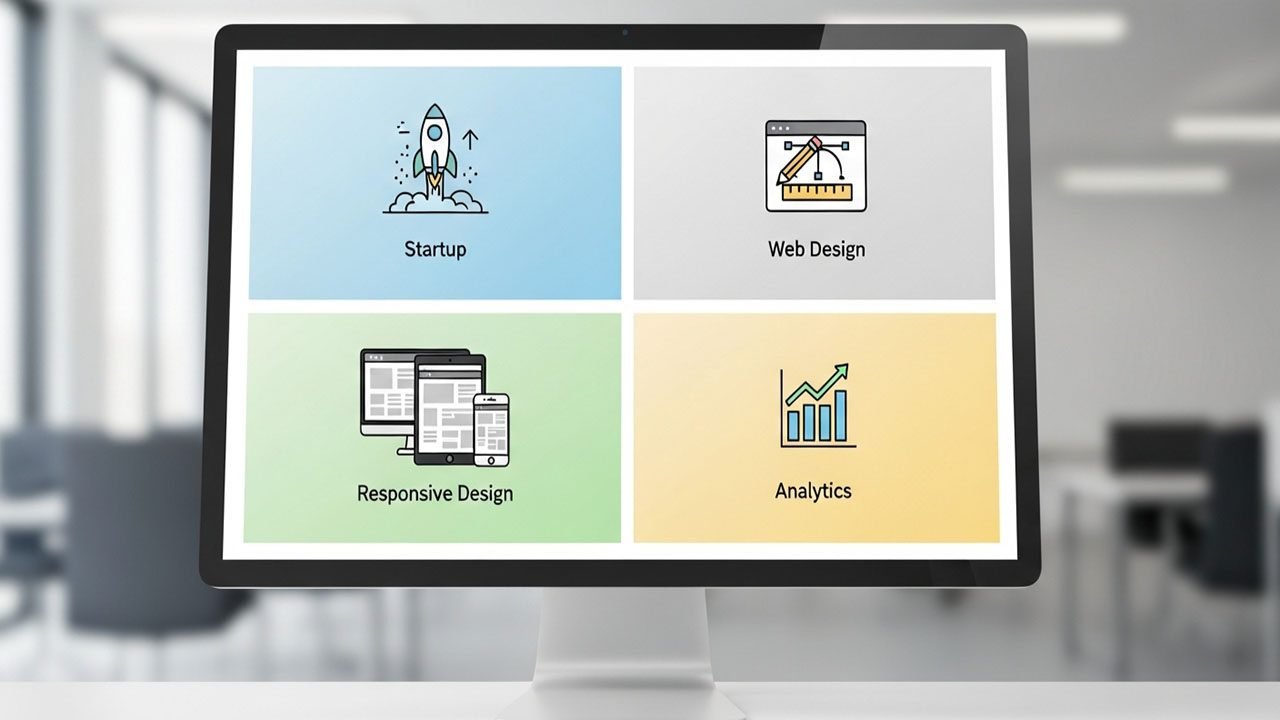
Customize Your Customizable Website Based on WordPress
Websites built on WordPress offer great flexibility regarding customization. If you do not have any coding skills, you will be able to customize many aspects of your site like:
- Typography and font styles
- Colors of the site layout
- Site layout, including menus
- Site header and footer
- Widgets and sidebars
If you are able to code, you can utilize CSS and PHP to modify your website’s theme to create a unique digital design aesthetic.
Small Businesses Need a Reliable Website Designer Service
Website design can be an essential resource for startup businesses or entrepreneurs and every website designer service that you’re considering should provide you with all of the following:
- You are need to have real world experience using and designing with the WordPress platform
- Ability to create a website that is optimized for mobile phone users and customers
- Ability to create a website that is search engine optimized for improved visibility
- Availability of support and maintenance after website completion
- Transparency of pricing before your website is launched
At WPCarePoint.com we specialize in providing small businesses with customized support and web design solutions using WordPress.
Building Websites With a WordPress Expert
If you want to speed up the development of your website project, working with a WordPress expert is an excellent choice. They will assist you with all of the following:
- A thorough understanding of how to use WordPress as your CMS.
- The ability to design and build your site to achieve its functionality.
- Experience in customizing plugins and themes to meet your specific needs.
- The ability to troubleshoot and resolve technical problems.
- Ability to optimize security and enhance performance.
By using a professional web designer or developer, you will be making a wise long-term investment in your company’s online presence.
WordPress Web Design Trends for 2026
Future trends will shape what WordPress designers should expect during their work on creative projects.
- Minimalist layouts and dark mode designs are gaining popularity.
- Headless WordPress sites are gaining traction for their improved speed.
- Utilizing design plugins that utilize AI technology will become more commonplace.
- Mobile-first design is a requirement.
- Voice search optimization is a necessity.
- Integration options for AR products will continue to grow.
- Integration options for marketing tools and CRM products will continue to grow.
Staying up-to-date with these important changes is essential to maintaining competitiveness within the web design and development community.
Web Support and Maintenance
Having a beautifully-designed website is not enough. A WordPress-based website needs consistent support to operate properly and efficiently.
Some typical support needs are:
- Quick website load times
- No broken links or plugins
- Weekly or daily backups of all website files and data
- Security updates
- SEO audits
At WPCarePoint.com, we offer dependable support plans to guarantee you get the same level of service from your designer agency.
Agencies and Freelancers Will Love Using WordPress to Design Their Websites
As a WordPress developer or a web designer, it makes sense to create a portfolio using the WordPress CMS. This is a great way to develop your business. One way is to offer your client’s web design services. You can create reusable templates and themes that you can use on future clients’ websites. You could also provide your clients white label development. In addition, you can create a digital design consultancy.
You can focus your design on specific niche areas, like small businesses or e-commerce.
Ultimately, you need to position yourself as an experienced, attractive and trustworthy WordPress designer, to help build your business as a WordPress designer.
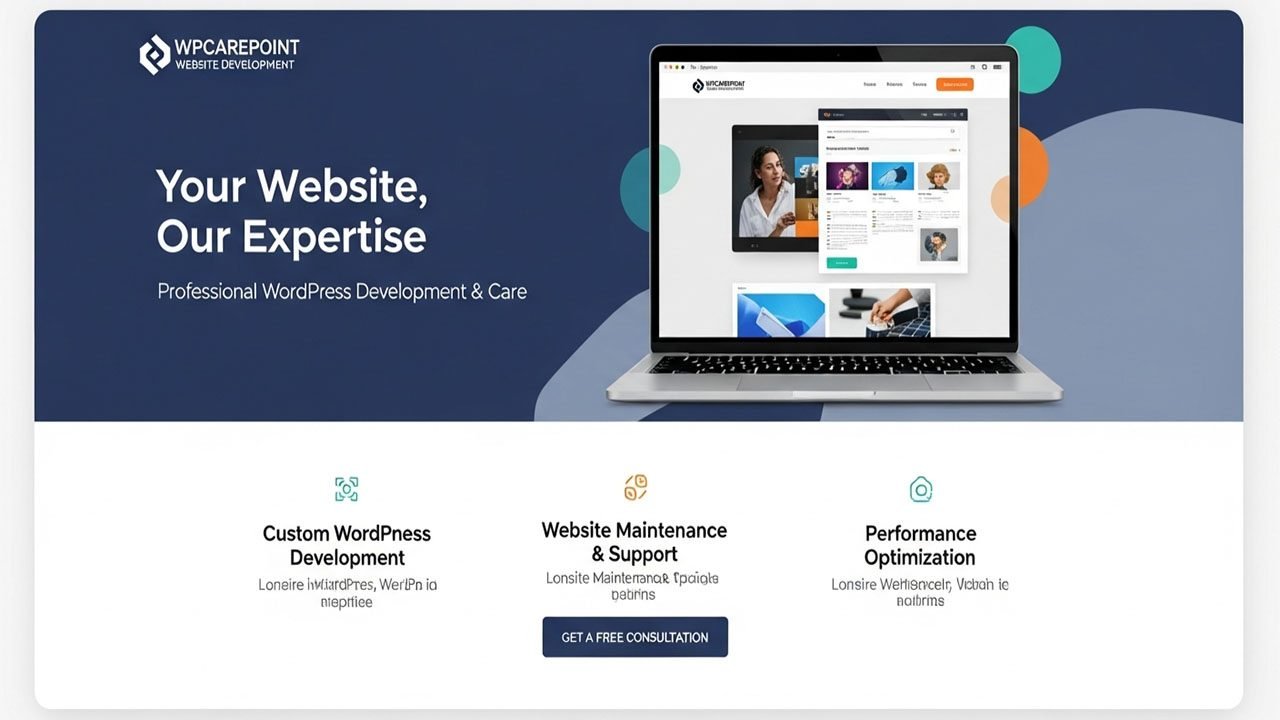
Advantages of hiring a Pro WordPress designer
When you hire a Pro WordPress Designer you get the following:
- SEO Friendly Layout
- Increased User Trust and Credibility
- Mobile Responsiveness
- Simple Content Management
Having quality designed professional WordPress websites will lead to greater retention and conversions among your users- the two main objectives for any website builder or company trying to generate more revenue online.
Finish up your thoughts on how to take control of your WordPress design path.
Having developed skills in using WordPress to create a well-designed website is not simply about installing themes and plugins. It is about creating a website that is user-friendly, well-optimized for both performance and SEO, and improving constantly over time. Regardless of whether you are a developer, a business owner who is just getting started or running your own digital agency, you have the ability to create success using the WordPress system, along with your creativity and determination to succeed.
WPCarePoint.com can help you find actionable tutorials, design tools, plugin reviews, and expert advice to help you grow your presence on the web. We encourage you to save our website as a bookmark and start building your website using WordPress soon!
Thanks for reading our article.
Developer at WordPressCarePoint
Booking for 30 minute Free Consultation on Google Meet: Click here for an appointment today.
contact@WordPresscarepoint.co.uk
www.wpcarepoint.com